Website
Use Gemini Inside Google Workspace to Work Faster
A practical, app-by-app guide for Gmail, Docs, Sheets, Drive, Notebook, and Vids.
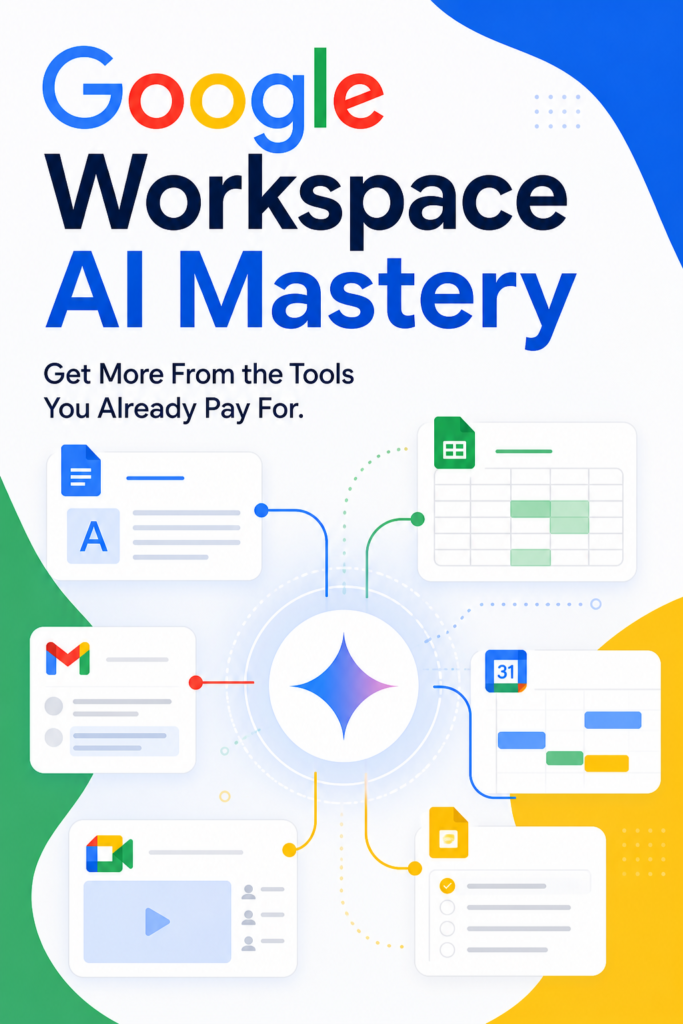
Google Workspace AI Mastery is built for people who already use Google Workspace and want to get more value from the AI tools inside it. Rather than treating AI as a separate topic, the book shows how Gemini behaves inside the tools where real work happens: email, documents, spreadsheets, search, notes, and video. The progression starts with simple, high-value use cases and moves toward more advanced ways of connecting apps, sourcing information, and building repeatable workflows. The book is designed to be used, not just read. Prompts are placed in context, exercises appear throughout, and the examples reflect common work situations such as proposals, updates, process documents, research, and internal communication. Readers learn how to ask better questions, how to give Gemini the right context, and how to improve outputs through follow-up instead of relying on the first draft. This makes it useful for solo operators, managers, and teams that want clearer writing, faster analysis, and less friction in everyday admin work. It is especially strong for anyone who spends significant time inside Gmail, Docs, Sheets, Drive, or Vids and wants a practical path from basic AI use to more confident, repeatable workflows.
About This Resource
See What This Learning Resource Includes
Google Workspace AI Mastery is built for people who already use Google Workspace and want to get more value from the AI tools inside it. Rather than treating AI as a separate topic, the book shows how Gemini behaves inside the tools where real work happens: email, documents, spreadsheets, search, notes, and video. The progression starts with simple, high-value use cases and moves toward more advanced ways of connecting apps, sourcing information, and building repeatable workflows.
The book is designed to be used, not just read. Prompts are placed in context, exercises appear throughout, and the examples reflect common work situations such as proposals, updates, process documents, research, and internal communication. Readers learn how to ask better questions, how to give Gemini the right context, and how to improve outputs through follow-up instead of relying on the first draft.
This makes it useful for solo operators, managers, and teams that want clearer writing, faster analysis, and less friction in everyday admin work. It is especially strong for anyone who spends significant time inside Gmail, Docs, Sheets, Drive, or Vids and wants a practical path from basic AI use to more confident, repeatable workflows.
Thoughtful Highlights
Why This Resource May Fit Your Learning Goals
Covers Gemini across Gmail, Docs, Sheets, Drive, Calendar, Notebook, and Vids
Explains prompt structure with practical examples
Includes fifty prompts placed where they are most useful
Moves from beginner to advanced workflows in a clear order
Uses exercises to help readers apply what they learn
Shows how to build repeatable templates and cross-app processes
Helpful Details
Know Before You Visit the Source
Who is this book for?
It is for Google Workspace users who want practical ways to use Gemini at work.
Does it focus on theory or practice?
It focuses on practical workflows, prompts, and real app use cases.
Which apps does it cover?
It covers Gmail, Docs, Sheets, Drive, Calendar, Notebook, and Vids.
Is it beginner friendly?
Yes. It starts with foundations and moves toward advanced workflows.
Keep Exploring
More Playful Learning Resources

Digital Profit Stack AI Sales Page
Digital Profit Stack AI Sales Page is a practical, business-focused product built around one core idea: help sellers turn an existing offer into usable promotion materials faster. Instead of treating every sales page, listing,…